
Demoscene Category
-
Whattaheck: The HTML5 demoscene
11th Jul 20132Anyone who knows me knows about my love of all things linked to the Atari ST and Amiga demo scenes, going back multiple decades now. The site We Are Back has been actively converting lots of famous demo screens to html5. It’s great to see it has bought about the resurrection of some long since idle demo groups too. So here’s a very quick round-up of some of my favourite recent entries on the site:
D.O.C. Demo by SpeedStar
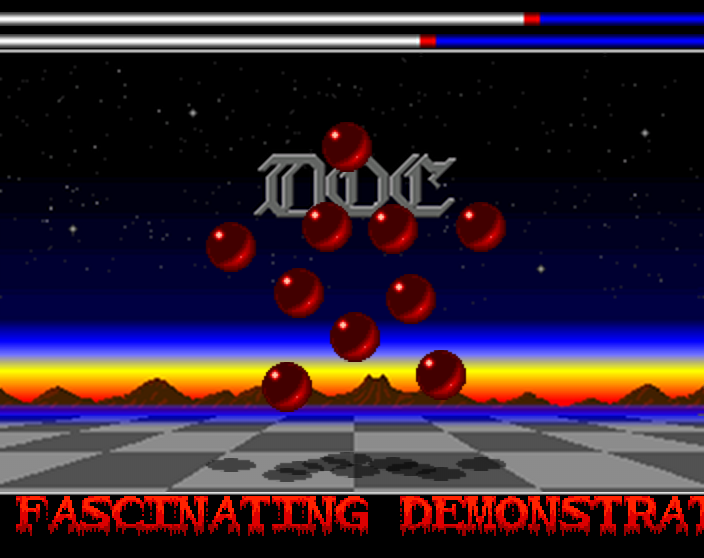
This is a legendary Amiga classic and very cleanly recreated.
Whattaheck by NewCore
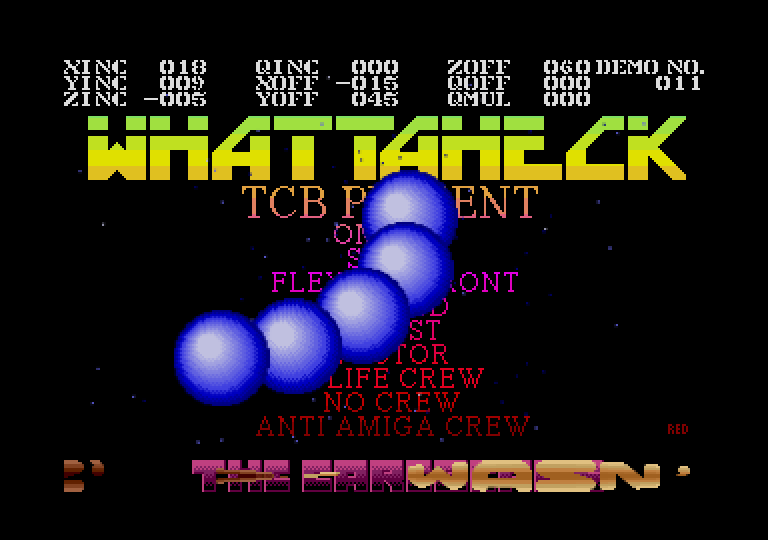
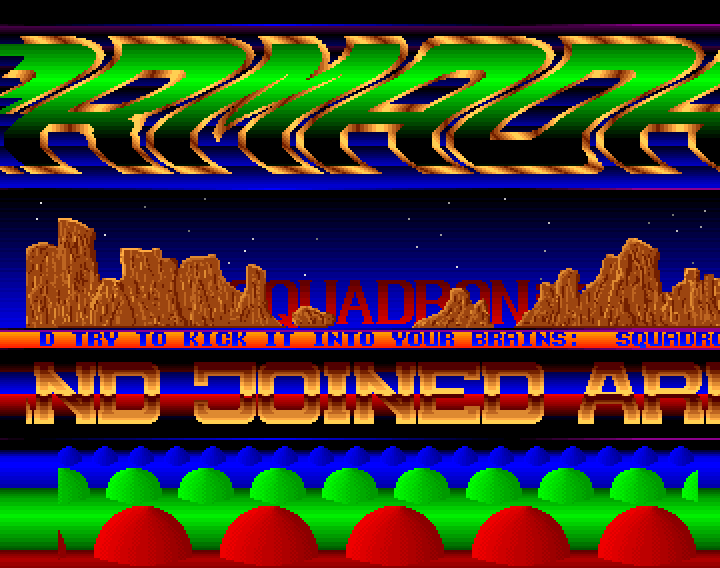
This is one of the earlier Atari ST mega demos created by The Carebears (and friends). As was common with Atari ST demos you used the space bar to move from screen to screen rather than the mouse. On the main menu, as seen in the screen shot above, move to the DEMO NO. section and use the left/right arrows to change the screen and then space to load. There are 13 in total. NewCore has literally converted the entire demo, minus a few scroll texts, very impressive work indeed.
Hemoroids Rebirth by Hemoroids
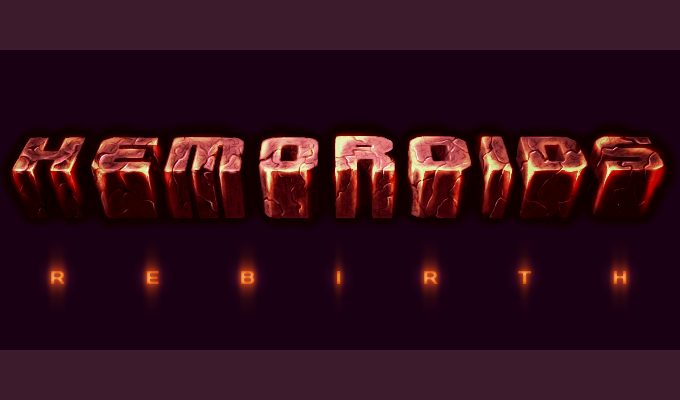
This is different in that it’s an old Atari ST demo crew coming back from the grave and flexing their muscles with html5 instead. This is a brand new demo, made in a mostly old-skool style, but with new music, graphics and effects. Lovely to watch and even better in full-screen.
A La Melon by SoLo and TDK

Another new creation this time by SoLo and a bouncey chip track by TDK that’s a great tribute to the Amiga group Melon Design.
New demos get uploaded on an extremely regular basis and there is a very active Facebook group around WAB too. So if you have the desire to see some demoscene pixels blasted across your browser then I’d strongly recommend joining in.
-
Amiga Demo Gallery and JavaScript MOD/XM Replay Source
17th Dec 2011
I’m a massive fan of demos, both old-school and new. There’s just something elegant, creative and raw about them. A while ago I downloaded the complete Break’s Amiga Demo Scene Collection. And I’ve been pouring through them file by file, taking screen grabs of the bits that caught my eye! I’m not very far through but already I’ve taken over 600 screen shots. I find them quite inspirational as well as containing some amazing pixel art work here and there.
So I’ve opened an Amiga Demo Grabs Gallery on this site to collect them all in. Feel free to browse the collection, 100 images per page! There’s a lightbox script with easy slide-show if you’d like to sit back and just watch. Each image also has a permalink should you wish to share it. I’ll be updating them irregularly, dropping another 50 or so images in whenever I can. They’re ordered by “most recently added first”, so check back from time to time for the latest grabs. Incidentally the screen shot above is from Ilija’s very first Amiga demo artwork 🙂 Say no more.
FlodJS 1.0 – MOD / XM Replay in JavaScript
Remaining on an Amiga theme Christian has recently released FlodJS 1.0. This is a JavaScript port of his famous set of AS3 libraries that replay a massive variety of Amiga format music. From the original Ultimate SoundTracker, to NoiseTracker, ProTracker and more esoteric formats such as SidMon and Future Composer, he’s covered them nearly all. There is also a JavaScript port of his FastTracker 2 player meaning XM file playback in your HTML5 games is now totally possible. Full details can be found on the FlodJS page.
-
Anaemia demo by LiteWerx (WebGL)
12th Nov 2011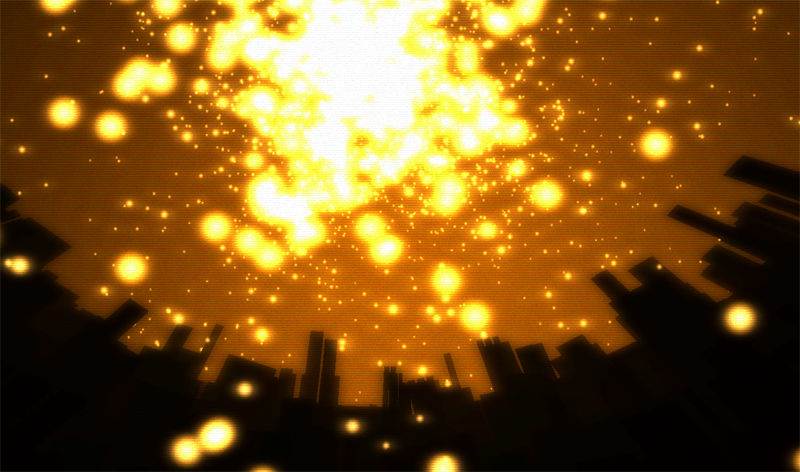
The Anaemia demo by Litewerx won 1st place in the TRSAC 2011 Demoparty that just finished. It’s a WebGL / JS demo using the Three JS library and consists of some lovely well-synced scenes. Although a little un-eventful in parts, the music helps keep things bubbling along and it’s an enjoyable ride that ran smooth as butter on my PC in full screen (i.e. maximised browser).
Large to download (27MB) which takes its fair while pre-loading. And of course you need a browser capable of running WebGL. Chrome is best and works with the music. Other browsers may vary. But this is demoscene after all and not representative of using WebGL in a “typical web site” as some may mistakenly believe.
Personally I just appreciate great demos no matter what they’re written in.
Run the demo here (27MB, WebGL), vote for it on Pouet, or if you really must you can watch it on YouTube.
-
A request for AS3 Demoscene and Special Effects Routines
20th Aug 2011I’ve been hard at work on my Flixel Power Tools for months now. My theory and motivation behind the tools is that I just want to make the process of game making fun. So instead of worrying about velocity or collision separation, you can create a bullet and just fire it. The idea being that if you’re able to actually make something and release it, it’ll give you the impetus to keep learning. And before too long you’ll be coding your own bullet handlers and relying on the tools less.
A big part of the tools are my Special FX plugins. These are inspired directly from old-style demoscene effects. Things like plasma, copper bars, starfields and sine wave distorters. But I would really love to bulk out this area of the tools, which is why I’m making this post – to ask for you to donate routines and code to the project.
If you’ve got any kind of special effect (especially retro style and demoscene effects) that you are willing to let me use please email them my way! Full credit will be kept and attributed to you at the top of the class file/s. You also must be happy with your code being released as open source, for the benefit of others. I know some people have issues with this, but I’m hoping that at some point in your development life you’ve learn or used a piece of open source code from someone else, so you could consider this your payback 🙂
I’m open to all kinds of effects! But naturally those that use (or render to) BitmapData’s will be easiest for me to integrate.
Got something you’re happy to share? Then please drop me a line! And don’t be worried about the “state” of the code at all, it will be properly formatted and I’ll document it before release. Note that I’m on vacation from August 20th to the 28th, so if I don’t reply right away I’m not being rude!
-
1st Place Assembly 2011 Demo – Spin by Andromeda Software Development
8th Aug 2011I already blogged about the lovely Molehill demo by Evoflash – but I still wanted to share the 1st place demo at Assembly 2011 – Spin by Andromeda Software Development (ASD). It starts out quite slow, and you may be tempted to quit after the first half a minute or so. But trust me, it’s worth sticking with! It just gets more and more intense. Effect after stunning effect. I especially love the sequence with the rhino running through the building, smashing away the walls Tron style. Simply beautiful.
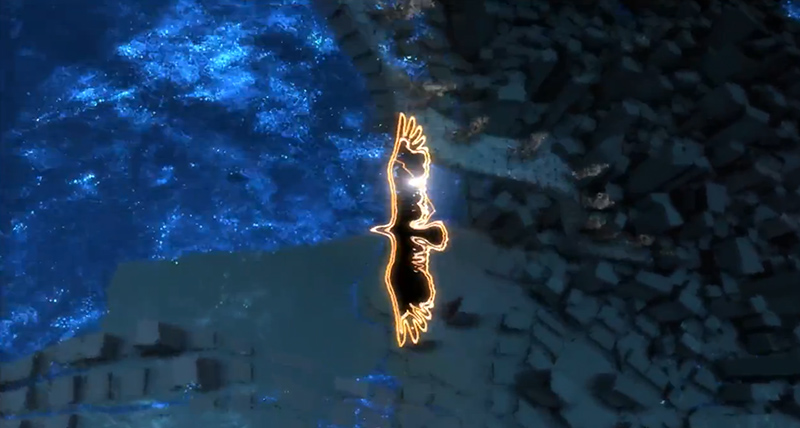
Watch it in HD quality on YouTube (if you can!)
Hire Us
All about Photon Storm and our
HTML5 game development services
Recent Posts

OurGames
Filter our Content
- ActionScript3
- Art
- Cool Links
- Demoscene
- Flash Game Dev Tips
- Game Development
- Gaming
- Geek Shopping
- HTML5
- In the Media
- Phaser
- Phaser 3
- Projects
Brain Food
